JLab Desktop, working demo.
My design for JLab’s desktop app, vibe coded from my Figma frames and product renders. Open a device, drag functions onto its controls, then press them.


Epic Mouse 2
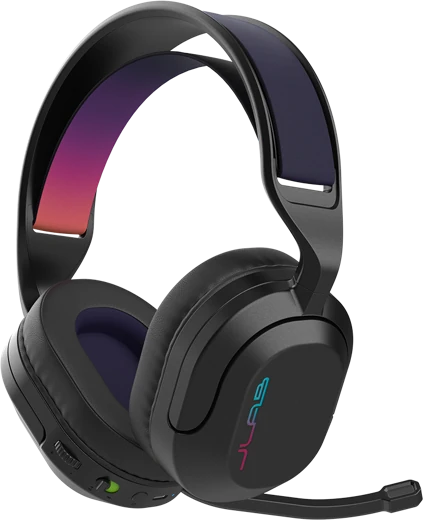
Nightfall Wireless
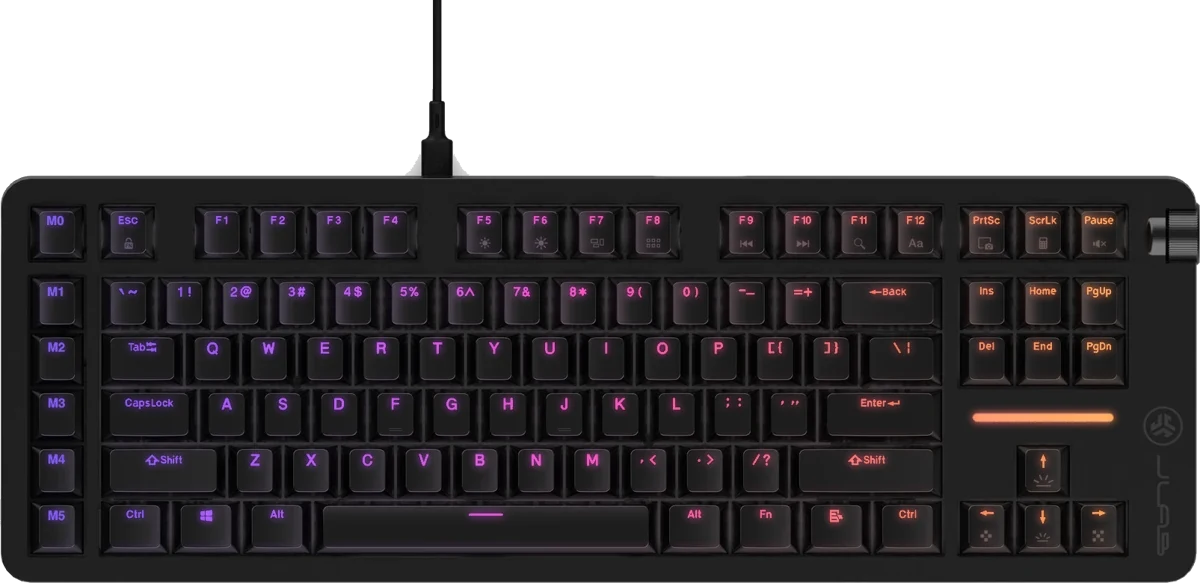
Daybreak Keyboard
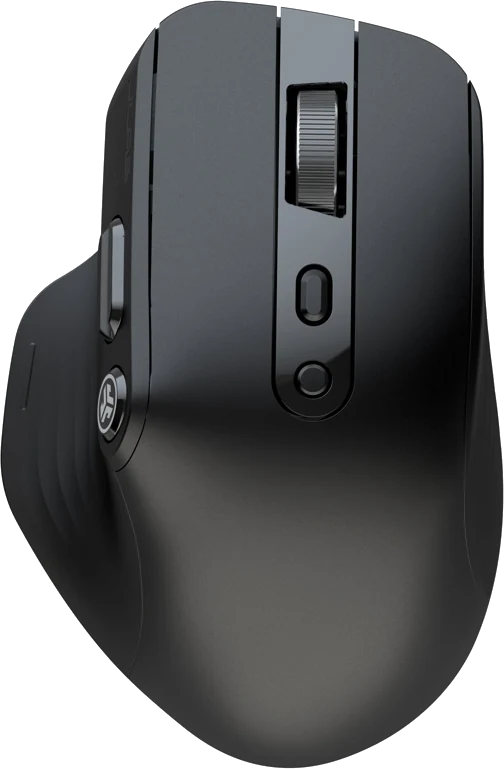
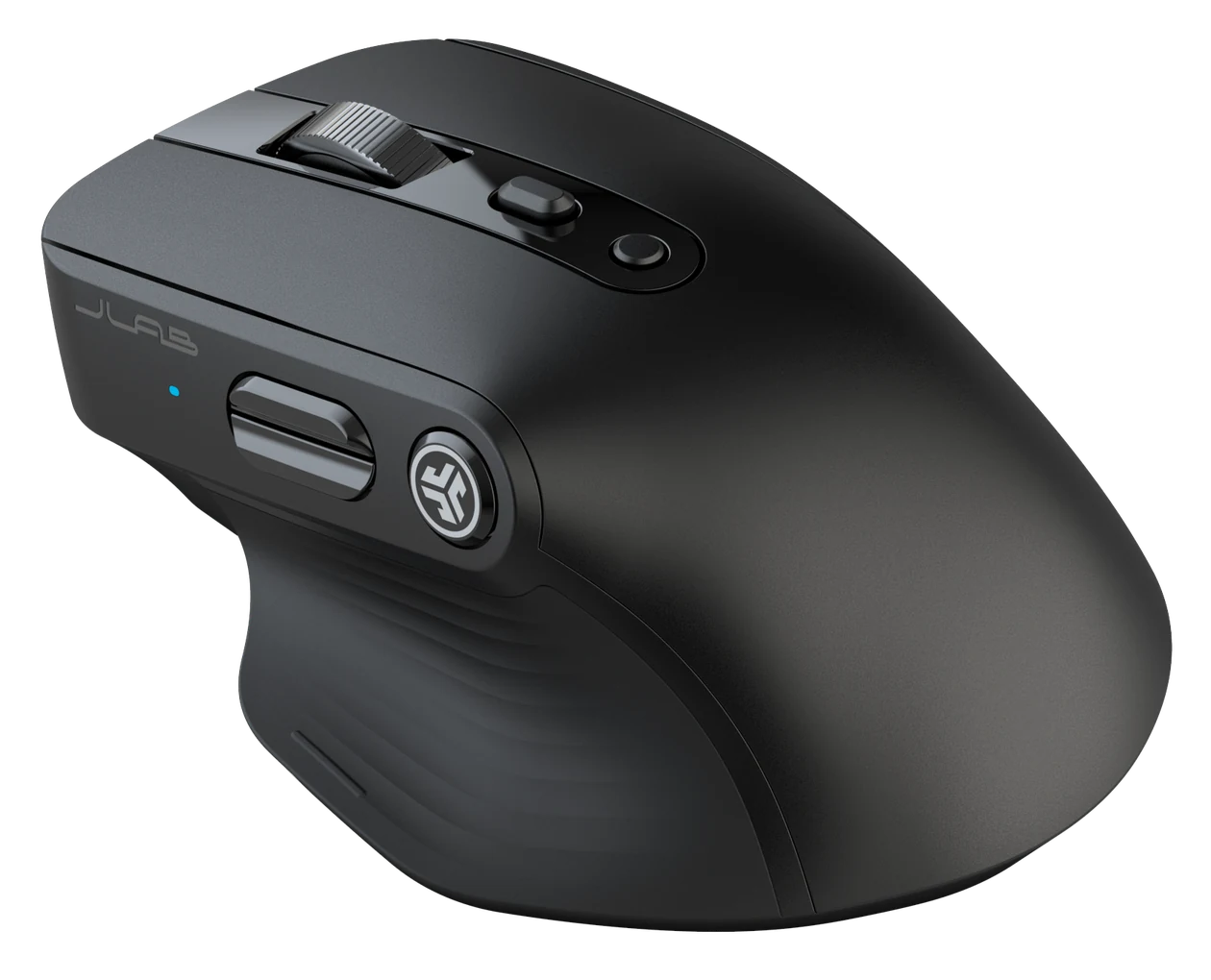
Epic Mouse
Button Functions
DPI Setting
Refresh Rate
<< Drag and drop to apply
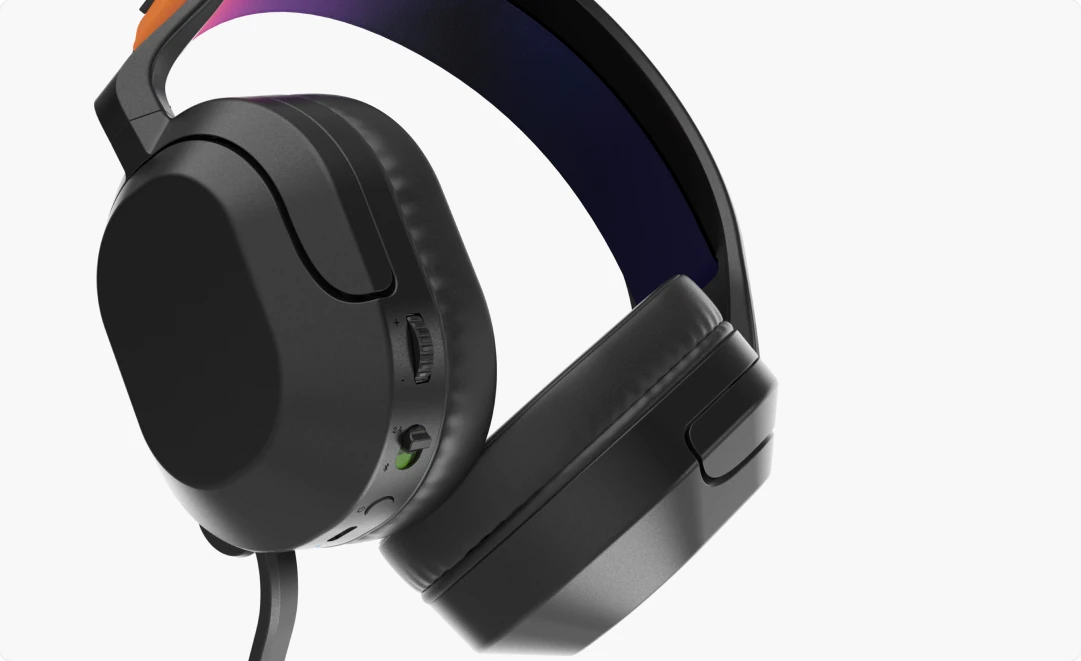
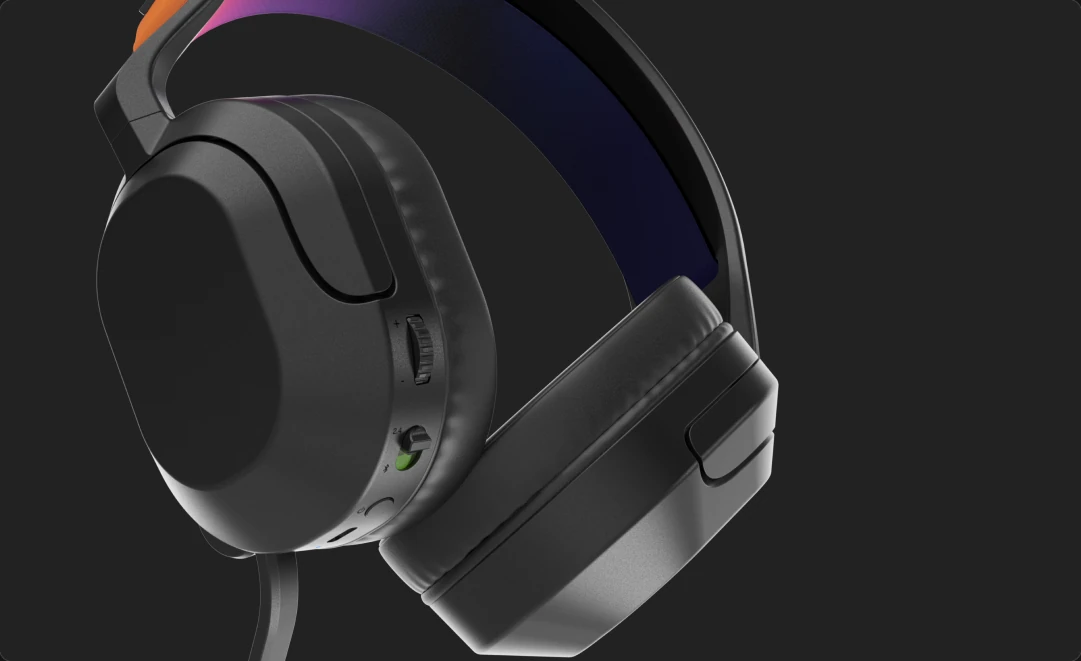
Button Function
Touch Controls
<< Drag and drop to apply
Custom EQ Levels
LouderQuieter
Sound EQ
Safe Hearing Off CHEVX
No Volume Limit95dB Limit85dB Limit
Volume CHEVX
Max VolumeMin Volume
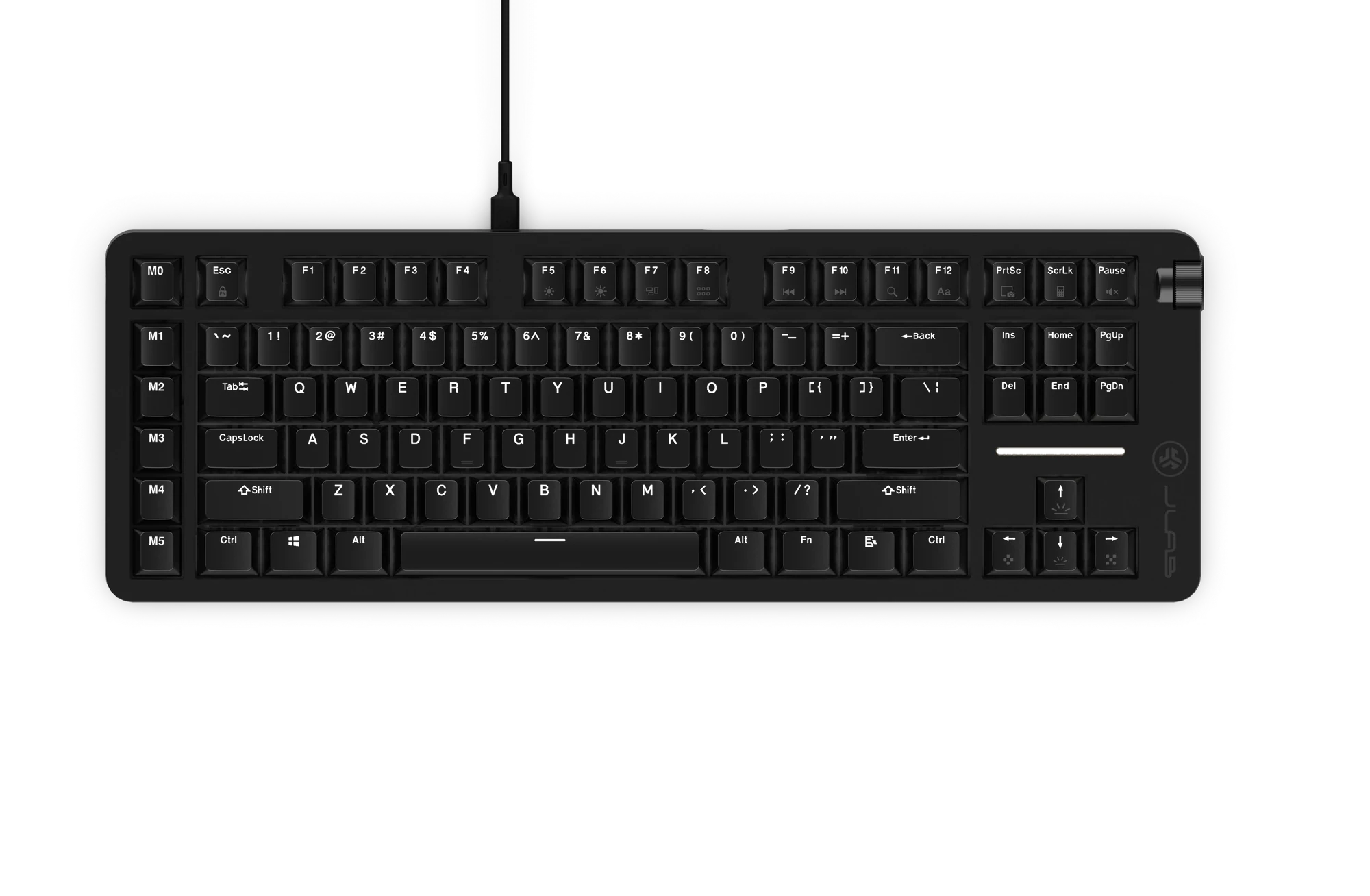
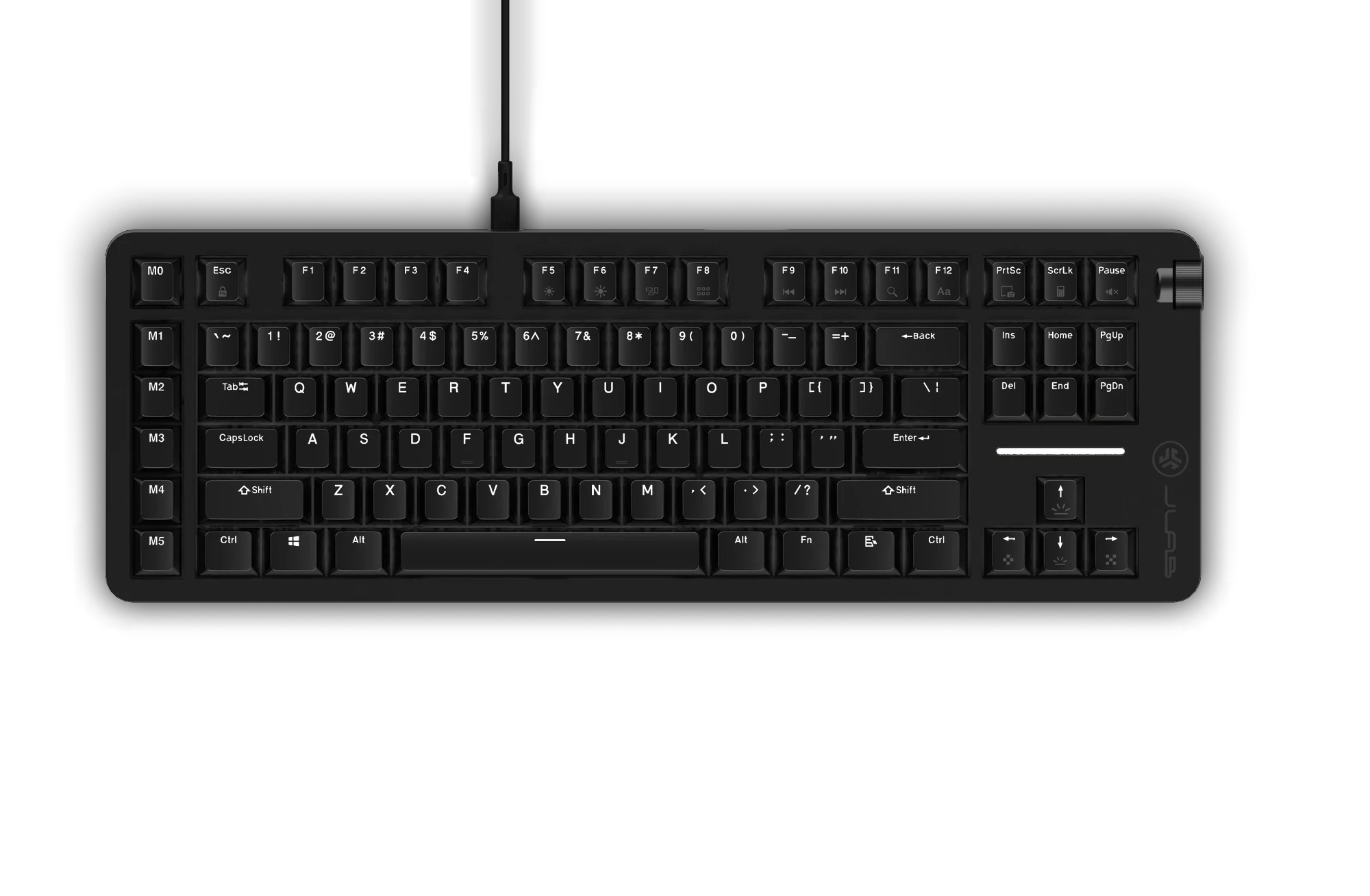
Gradient
Switch Settings
Select key(s) to apply a feature, or click for more information:
Macros
<< Click or drag across keys to select


App Settings
/
/
Language: / / /
/
Software Version: 0.0.1
Best on a computer, where you can drag functions and try the keyboard with your own keys. Here it’s the same app, scaled down.